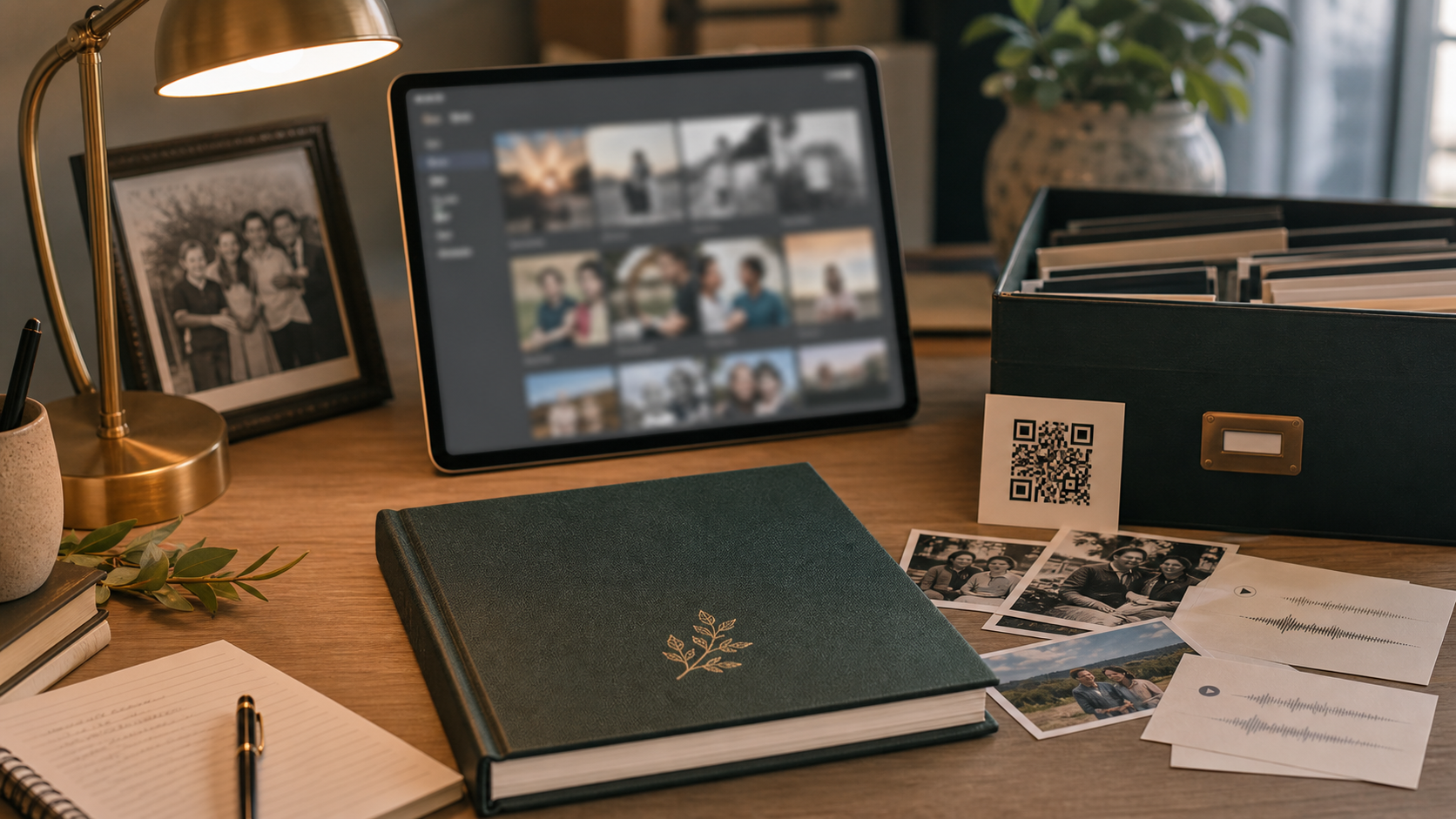
A printed legacy book gives memories a physical home. A digital archive gives the book room to breathe. Together, they can preserve photos, voice recordings, videos, scanned letters, long interviews, and future uploads without overloading the printed pages.
QR codes are the bridge. A page can tell the story in a beautiful, quiet way, then offer a private link to hear a voice, watch a clip, or open a larger gallery.
Use print for the story and digital for depth
A book should not become a storage drive on paper. Printed pages work best for the curated story: the strongest photos, clean captions, chapter introductions, quotes, timelines, and letters. Digital storage works best for supporting materials that are meaningful but too large for print.
This split keeps the book elegant while preserving more of the archive.
Choose QR codes intentionally
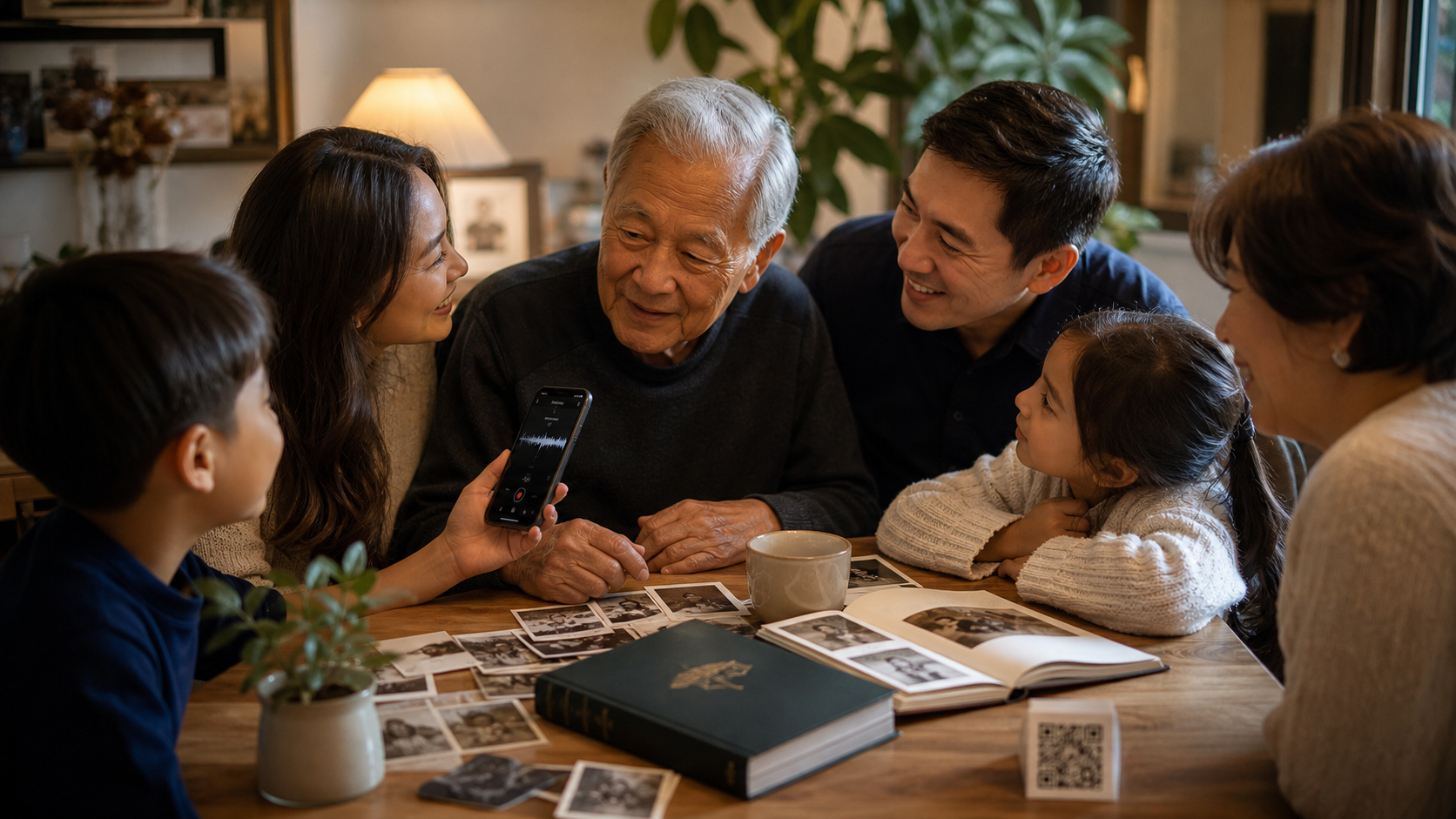
QR codes should serve the emotion of the page. A childhood chapter might link to a video tour of an old neighborhood. A recipe chapter might link to a recording of someone explaining the dish. A memorial page might link to a voicemail. A wedding page might link to a speech.
Too many codes can feel distracting. A few well-placed codes feel thoughtful.
Plan for privacy
Family archives often include sensitive material: faces, homes, children, grief, medical history, personal letters, and private recordings. Decide who should access each item. Some families want a simple private link. Others need more controlled access.
Before printing a QR code, make sure the destination is stable, private enough for the family, and clearly organized.
Keep file names and folders human
A digital archive should not feel like a junk drawer. Use simple folders such as Photos, Voice recordings, Videos, Letters, Recipes, and Timeline. Add names and dates where possible. Include a short note explaining what each important file is.
The future reader should not need to solve a mystery before experiencing the memory.
Think about future additions
A printed book is finished when it ships, but family memory continues. A digital archive can hold future interviews, reunion photos, new scans, and extra stories that did not fit the first edition.
That makes the legacy book feel less like a final box and more like the beginning of a family memory system.
Best uses for QR codes in a legacy book
- Voice recordings from parents or grandparents
- Home videos and celebration clips
- Private galleries with extra photos
- Recipe demonstrations
- Scanned letters and long documents
- Family interview audio
Frequently asked questions
Do QR codes make a book less timeless?
Not if they are used sparingly and designed cleanly. The printed book should still stand alone, while QR codes add optional depth.
Can the digital archive be private?
Yes. A private archive can be structured so only people with the right link or access path can view the files.
Make it real
Let Loresta shape your memories into a finished legacy book
Send photos, notes, voice recordings, letters, and rough ideas. We help organize the story, improve the presentation, write captions, and prepare a book your family can review before print.
Start a book