Most families have too many photos in too many places. Prints live in boxes, phone photos sit in camera rolls, scans are named randomly, and the most important images are often mixed with duplicates. Organizing everything can feel overwhelming until you stop trying to sort every photo at once.
A legacy book needs a curated set of meaningful images, not a perfect archive. The right workflow helps you find the photos that tell the story and leave the rest for later.
Sort for story, not storage
The first pass should identify meaning. Look for photos that show relationships, milestones, homes, traditions, work, personality, travel, faith, recipes, pets, and everyday life. Ignore duplicates and technically perfect images that do not say much.
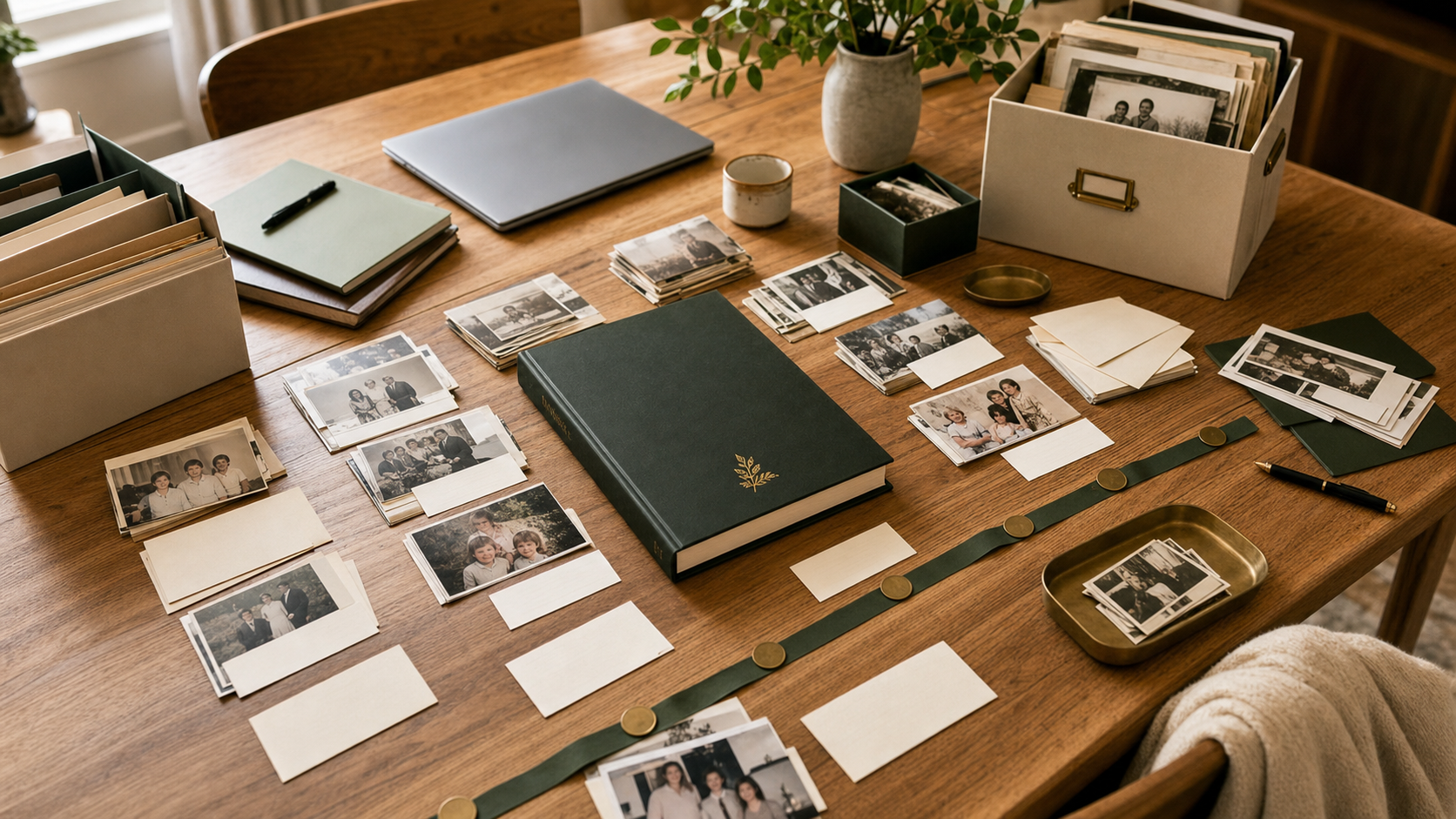
Create a simple yes, maybe, and later system. The yes pile is for the book. The maybe pile can fill gaps. The later pile belongs in the archive but does not need your attention right now.
Use broad chapters first
Do not start by arranging individual pages. Start with broad chapters. A parent book might include childhood, marriage, family life, work, traditions, lessons, and letters. A family history book might include roots, homes, recipes, holidays, service, and future messages.
Once chapters exist, photo selection becomes easier. Each image either supports a chapter or it does not.
Name files with future readers in mind
File names do not need to be perfect, but they should carry enough information to help later. Names like mom-kitchen-1984 or grandparents-wedding-est-1962 are more useful than image_4231. If you do not know the date, use an estimate.
A simple naming habit also helps designers, siblings, and future family members understand what they are seeing.
Write captions while memory is fresh
Caption writing is easier during sorting than months later. Add quick notes in a document, spreadsheet, or upload form. Include names, relationships, location, approximate year, and why the photo matters.
If you do not know the full story, write the question. A question can become a prompt for another family member.
Let design create breathing room
A page does not need to hold every related image. Strong legacy book design uses white space, a clear hierarchy, and a balance of large emotional photos with smaller supporting images. This helps the reader slow down and absorb the story.
The hardest part is often leaving things out. That is why a digital archive can be useful alongside the printed book.
Photo organization checklist
- Create yes, maybe, and later folders
- Choose chapter categories before page layouts
- Keep original files separate from edited versions
- Name important files with people, place, and year
- Write captions while sorting
- Use a digital archive for photos that do not fit the printed book
Frequently asked questions
How many family photos should I choose first?
Start with 50 to 100 photos. That is enough to see the shape of the story without getting trapped in the full archive.
Should photos be chronological?
Chronology is useful, but theme-based chapters often feel more personal. Many books combine both approaches.
Make it real
Let Loresta shape your memories into a finished legacy book
Send photos, notes, voice recordings, letters, and rough ideas. We help organize the story, improve the presentation, write captions, and prepare a book your family can review before print.
Start a book